Resume an Incomplete Enrollment
Someone started SmartEnroll, got part-way through (email done, ID not yet), and left. When they come back, they must not start over with the same email. That tries to create a second enrollment and fails as already registered.
Send them a new link for the enrollment they already began. They continue from the last step they completed.
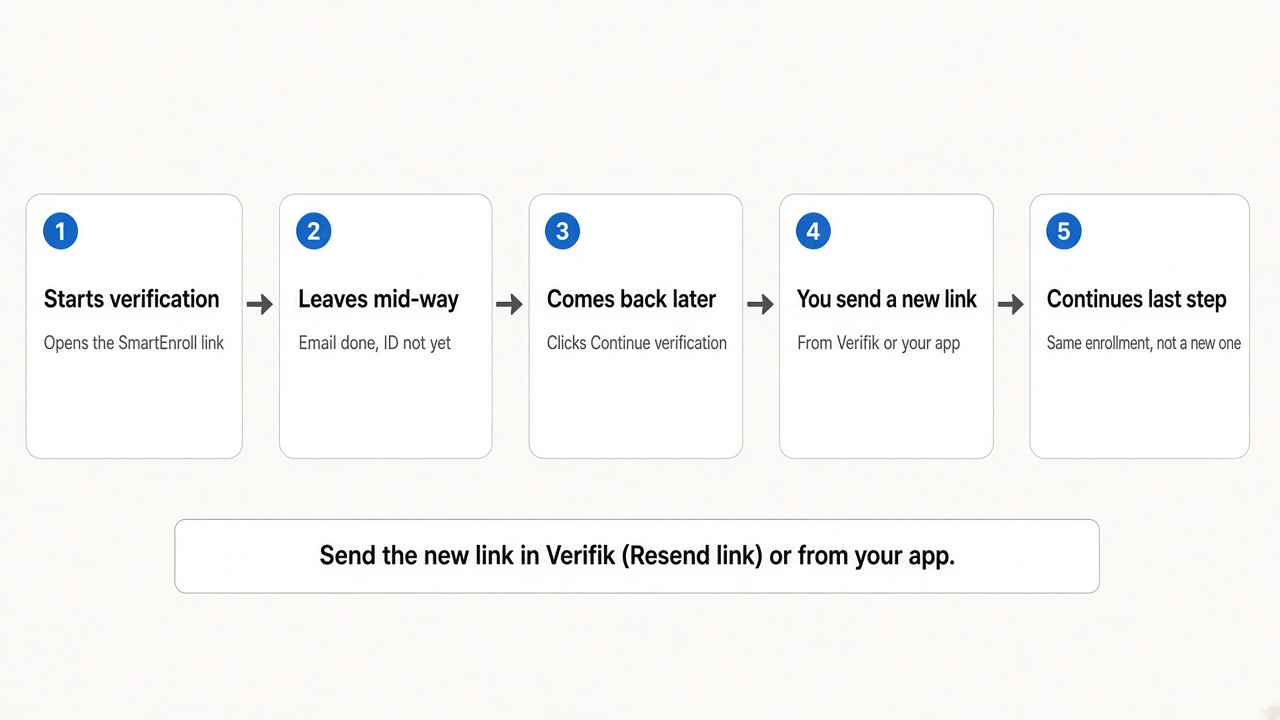
You can send that new link in two ways: Resend link in Verifik, or your app asks Verifik for a new link.
Two ways to send the new link
In Verifik
Open the enrollment, choose Resend link, then copy it or email it. Done.
In your application
When they click Continue Verification, ask Verifik for a new link and send them there.
In Verifik
Open the enrollment in Verifik and use Resend link. You can copy the URL or send it by email — same action as on the admin KYC review screen.
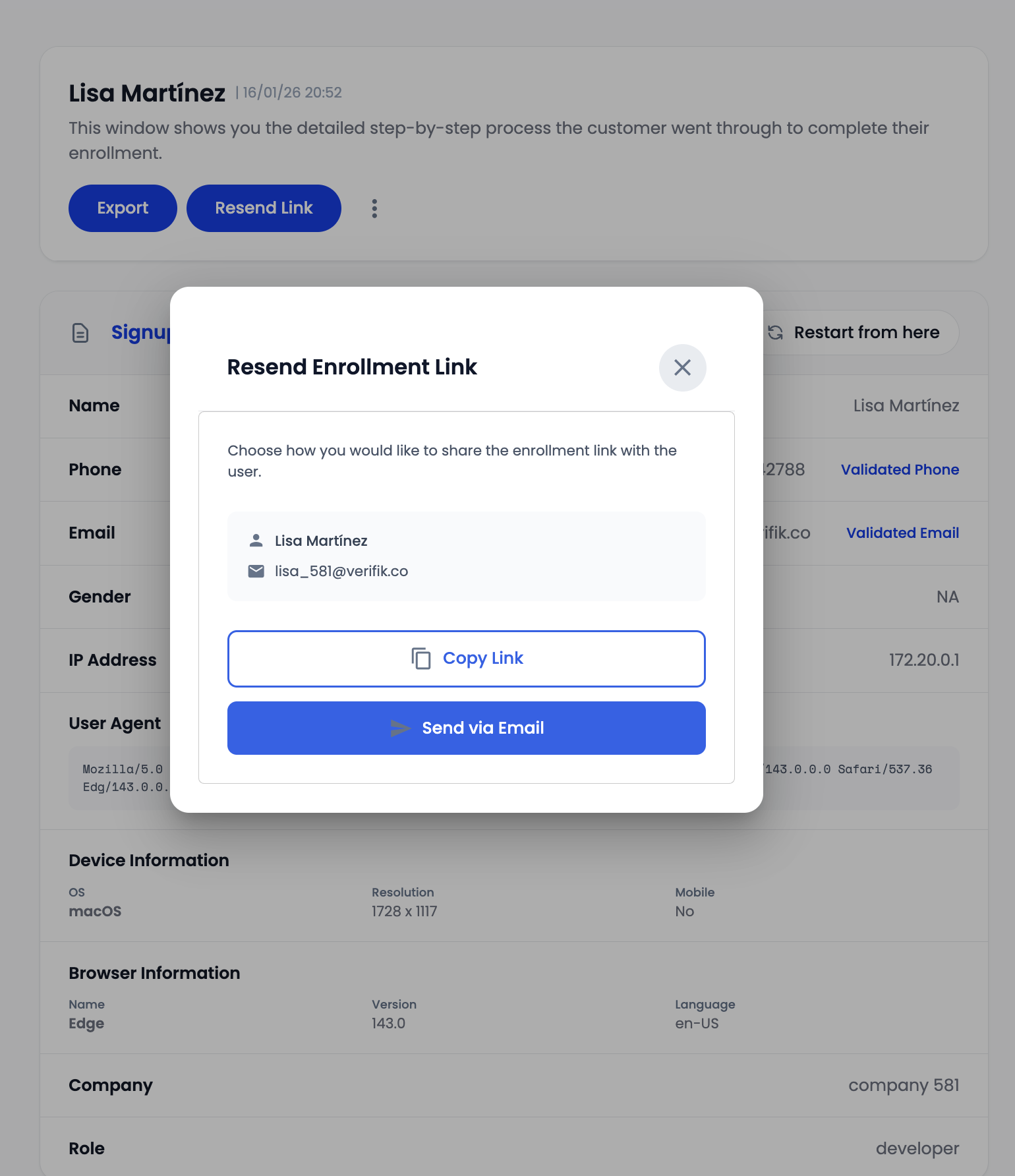
That new link is what they should open. Do not send them the original invite after it has expired.
If they still have the first link and it still works, they can keep using it. After about two hours it expires — send a new one instead of asking them to submit the sign-up form again.
In your application
- When they start verification, store the enrollment id Verifik returns.
- When they click Continue Verification, ask Verifik for a new link for that same id.
- Send them to that new URL. They pick up from the last step — not a new registration.
Need the request body and response? See Resend an App Registration Link.
Do not create a second enrollment with the same email or phone. Use the id you stored and request a new link.
Why they see “already registered”
The first link expired
The first SmartEnroll link lasts about two hours. After that, opening it again shows the sign-up form. Submitting the same email (or phone) fails because that enrollment already exists. A new link skips the form and continues the original enrollment.
Who you can send a new link to
You can resume enrollments that are still in progress (started, but not finished). You cannot resend a link after the enrollment has completed or failed.
What not to use
| Avoid | Why |
|---|---|
| Starting a new enrollment with the same email or phone | That is a second registration, not a resume |
| Looking up the enrollment or syncing its status | Those do not give you a new hosted link |
A smartLink on the record | Different product (link.verifik.co), not hosted SmartEnroll |
Related
- Resend an App Registration Link — API request and response
- Create an App Registration — first session
- SmartEnroll KYC Flow — the steps they walk through
- SmartEnroll API Companion — scores and webhooks after KYC